Capture
Sensor → ISP tuning → H.265/H.264 encoder
CAMERA / MEDIA PIPELINENetraOS is our embedded Linux platform in development. Around it, we’re building the apps, cloud and installer tools that make a complete surveillance system.
Every stage has a purpose: image quality on the device, useful events at the edge, recoverable local recording and a connected viewing experience.
Sensor → ISP tuning → H.265/H.264 encoder
CAMERA / MEDIA PIPELINEEdge detector → tracked events → rules and alerts
HUMAN / VEHICLE ROADMAPVideo segments → crash-safe index → local playback
NVR / DVR / EDGE STORAGEDevice registry → WebRTC → app / desktop
LAN-FIRST / INDIA CLOUDOur stack is designed for constrained camera hardware. C/C++ handles the media path where vendor SDKs require it; Rust is the planned choice for new network-facing device services.
Read the security architectureSoftware is part of the product from the start. These applications are in our development roadmap.
A planned Flutter mobile app for secure pairing, live grids, two-way talk, unified playback and useful event alerts. LAN-first viewing is a core design objective.
The installer and dealer workflow: set up devices, manage customer sites with consent, diagnose problems and keep service moving.
An India-hosted control plane for device identity, connection services, event clips and fleet updates. Continuous cloud recording is outside the initial scope.
The Windows-first desktop roadmap for camera walls, multi-site navigation, coordinated playback and evidence export.
The current engineering work includes protocol contracts, development PKI, licence and unsafe-API gates, and a Buildroot skeleton with a saved QEMU proof of boot. Sensor integration, media services and the applications remain ahead.
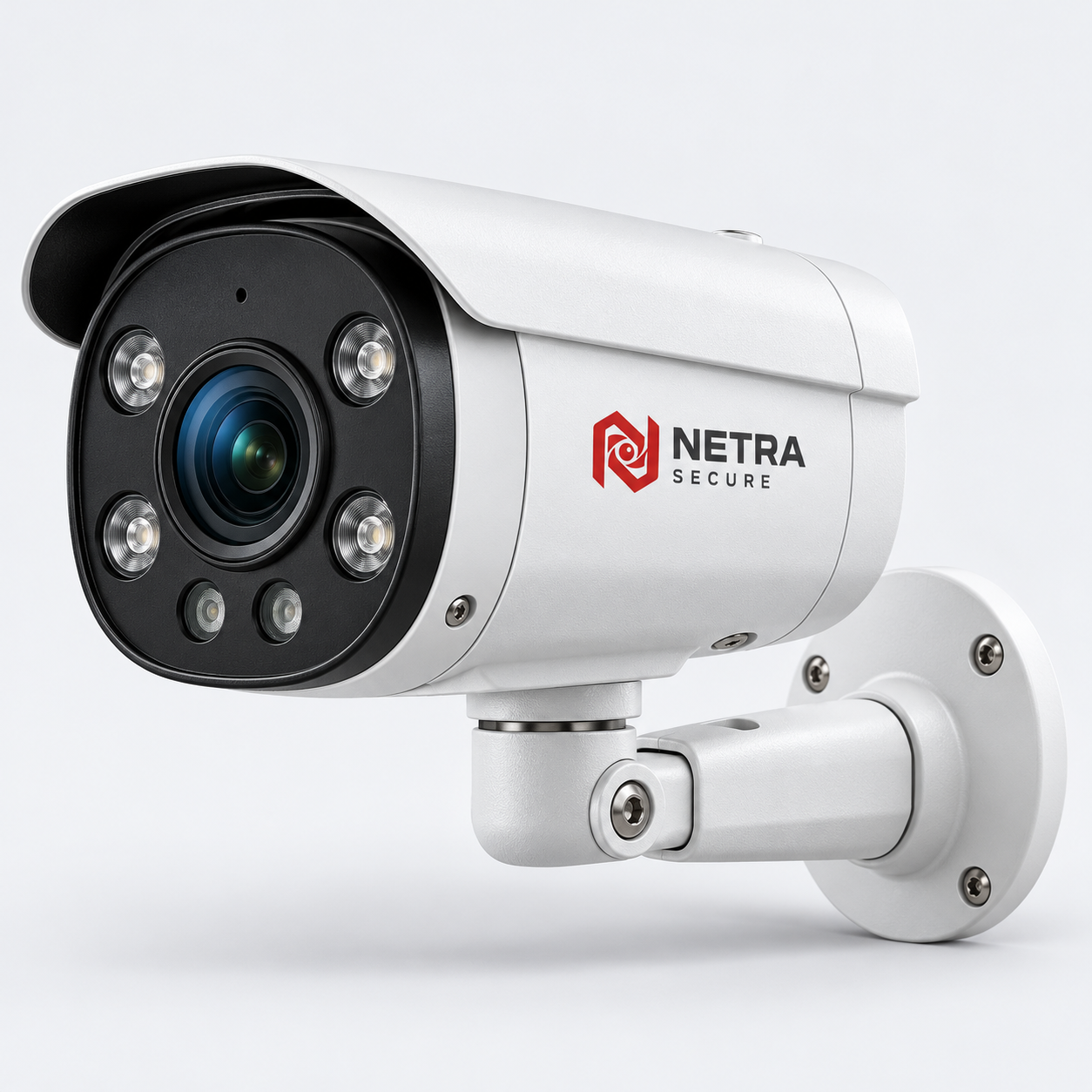
Inspect the NETRA studio imagery in detail, or switch to the interactive 3D view to explore the form and mounting arrangement.
Precision at the centre
The NetraOS roadmap connects first activation, daily operation and long-term service through one device lifecycle.
Per-device certificates and secure provisioning establish which device is joining the system. First-use setup is designed around explicit activation rather than shared default credentials.
Device services, media handling and local storage form the core. Remote viewing is an additional connection path, with network conditions and relay requirements handled explicitly.
Signed A/B firmware updates and staged rollout controls are design goals. Firmware versions, device health and storage status make faults easier to diagnose and service.
Role boundaries, consent-based partner access and auditable administration guide the application roadmap. Viewing, configuration and service should have clearly defined permissions.